
Marupoyo Accessibility: Every Option Worth Knowing
Marupoyo's accessibility options include a motion-sickness toggle, volume sliders and no-motion play. Here is what each setting changes.
Marupoyo is a game about tilting a world, which makes comfort a design problem rather than an afterthought. If the floor moves every time you steer, a player who is sensitive to camera motion has a real barrier before they even reach the first hazard. The good news is that the game treats this as a first-class issue: there is a motion-sickness option that turns off floor movement, and the PlayStation version carries a broad set of accessibility tags. The Family Mode vs Gamer Mode comparison→ explains the difficulty options that sit alongside these settings.
This page collects the confirmed options, explains which ones change gameplay and which ones only change presentation, and notes where the three platforms differ. It does not list features the game has not published. If a tag is missing from this page, it is because the storefront does not claim it.
The motion-sickness option
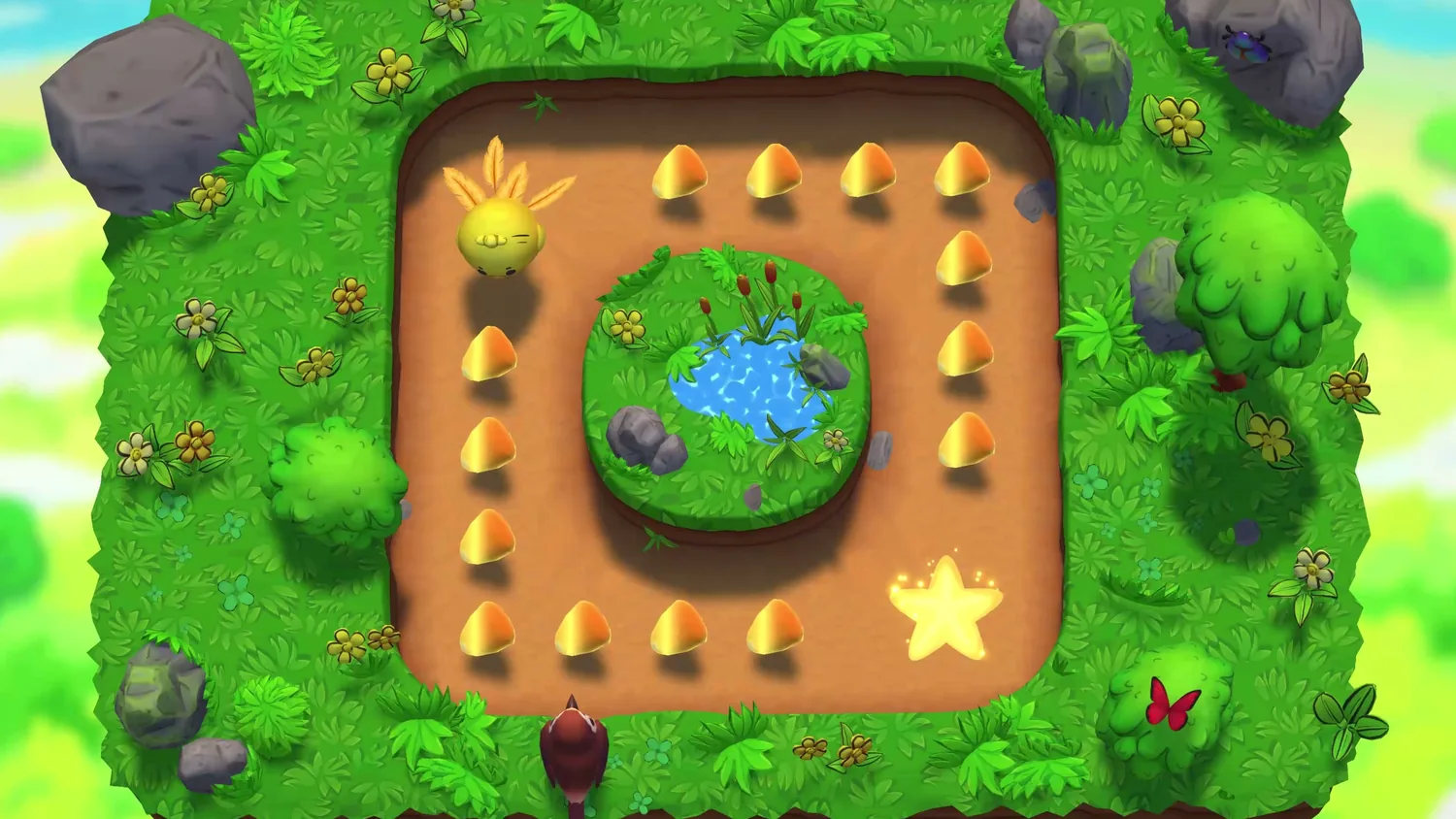
This is the most important setting in the game for anyone who struggles with tilt controls. Turning it on disables floor movement. The world stops sliding under the camera, which removes the visual effect most likely to cause discomfort.
The trade-off is that tilt becomes more abstract. You are still steering the chick, but the floor no longer visibly leans, so you lose the physical cue that tells you how steep the current slope is. Some players find this easier; others find it harder to judge speed. Try it for a full level before deciding, because the first thirty seconds can feel strange simply because it is different.
The option is separate from Family Mode. Family Mode changes hazards and pacing; the motion-sickness option changes how the world is presented. You can combine them or use either one alone.
The PlayStation accessibility tags
The PlayStation 5 store page lists fourteen accessibility features. They cover input, audio, visuals and pacing:
- Clear Text — the game provides readable text at a comfortable size.
- Audio Cue Alternatives — important audio information is available in another form.
- Volume Controls — separate music, voice and sound-effect sliders.
- Visual Cue Alternatives — important visual information is available in another form.
- Playable Without Subtitles — subtitles are not required to follow the game.
- Without Button Holds — no action requires holding a button.
- Without Rapid Button Presses — no action requires mashing.
- Without Simultaneous Button Presses — no action requires pressing two buttons at once.
- Without Motion Controls — the game can be played with stick-based tilt.
- Without Controller Vibration — vibration can be disabled with no gameplay loss.
- Without Adaptive Trigger Effect — the DualSense trigger effect can be turned off.
- Adjustable Difficulty (Basic) — Family Mode and Gamer Mode provide the difficulty choice.
- Control Reminders — on-screen reminders of the current controls.
- Game Pausing — the game can be paused.
Several of these are more meaningful than they sound. "Without Button Holds" matters in a game where braking can be held; the tag confirms the game does not require a long hold to progress. "Without Rapid Button Presses" confirms there is no mash prompt. "Without Simultaneous Button Presses" is useful for players with limited dexterity. These are exactly the kinds of barriers that a tilt game could accidentally create, and the tags say the developers checked them.
What the tags do not promise
The list does not include a colourblind mode, a high-contrast mode, a screen-reader mode or a full remapping feature. That does not mean those options are absent; it means the storefront does not advertise them. Do not buy the game expecting a feature that is not listed.
The list also does not describe subtitles as a toggle. "Playable Without Subtitles" means the game can be understood without them, not that subtitle size and background are configurable. If subtitles are essential to you, treat this as unconfirmed.
The Switch 2 and Steam versions do not publish an equivalent tag set. The motion-sickness option and the volume sliders are described in the game's general feature copy, and the Switch version supports handheld, tabletop and TV modes. Beyond that, the platform stores are quieter. The platform comparison→ records the differences without filling the gaps with assumptions.
Comfort settings that are not labelled accessibility
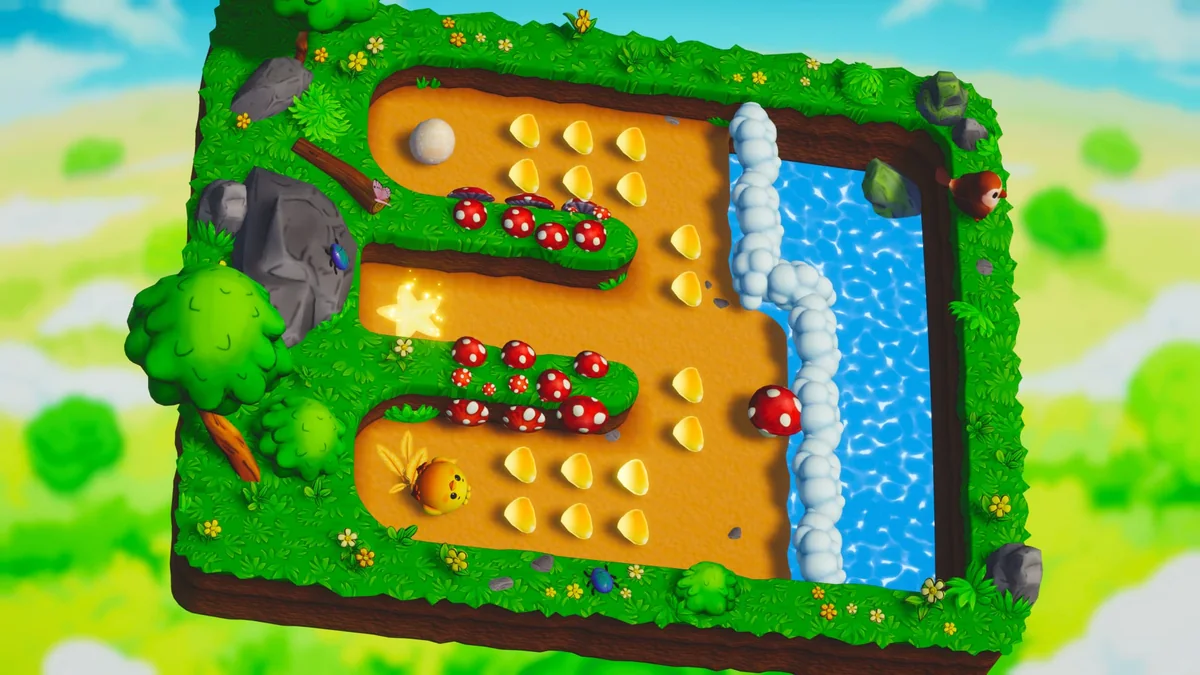
Family Mode is effectively a difficulty and comfort option. It slows the game, removes death and covers hazards with soft clouds. For a player who finds the hazard timing stressful, Family Mode is a better first step than any menu toggle. It does not remove the tilt, but it removes the consequence of a bad tilt.
The brake is also a comfort tool. A player who feels out of control can brake more often. The game does not penalise braking in the main campaign; the no-brake badge is an optional challenge, not a requirement.
Playing in handheld mode on Switch 2 reduces the amount of screen movement relative to your field of view, which some players find easier than a large TV. Playing in tabletop mode with detached controllers gives you more freedom to tilt without moving the screen. Neither is an official accessibility feature, but both are practical adjustments.
Audio and visual clarity
The separate music, voice and sound-effect sliders are a genuine quality-of-life feature. If the music is masking an audio cue, turn it down rather than turning the whole game down. The game's readable, high-contrast art style also helps: the chick is a bright yellow-orange shape against green, blue or red environments, and the corn is a distinct golden colour.
The HUD is minimal in the footage shown so far, which reduces clutter. Whether that holds for every level is unconfirmed, but the game's visual language is consistent: collectibles glow, hazards have strong colour coding, and the camera stays at a readable distance.
Who this version is for
If you need a game that can be played without motion controls, without button holds, without rapid presses and without vibration, Marupoyo is a surprisingly strong fit on PlayStation 5. If you need a colourblind mode or a screen reader, the storefront does not currently claim either, so wait for a detailed accessibility report before buying.
For a child or a player who wants a gentle first 3D platformer, the combination of Family Mode and the motion-sickness toggle is excellent. The game is not trying to be a hardcore precision platformer; it is trying to be a welcoming one, and the options reflect that.
Brake before the corner, not during it. Most early mistakes come from waiting too long to slow down, not from choosing the wrong route.
FAQ
Can you play Marupoyo without motion controls?
Yes. Stick-based tilt is supported, and the PlayStation accessibility tags explicitly list "Without Motion Controls."
Does Marupoyo have a colourblind mode?
The PlayStation store does not list one. The game's strong colour coding helps, but a dedicated colourblind mode is not advertised, so treat it as unconfirmed.
Can you turn off the moving floor?
Yes. The motion-sickness option disables floor movement, which removes the tilting background effect while keeping the game playable.
Are there separate volume sliders?
Yes. Music, voice and sound effects can be adjusted separately.
Official source: Marupoyo accessibility features on PlayStation ↗
Related
- Marupoyo Controls: Tilt, Brake and Momentum→
- Marupoyo Family Mode vs Gamer Mode Explained→
- Marupoyo Platforms: Switch 2 vs PS5 vs Steam→